AI copywriting tools have stopped being a novelty and started being part of the stack, which means the useful question is no longer whether to use them but which one does which job. They are not interchangeable, and the differences matter more than the feature lists suggest.
McKinsey’s work on generative AI puts the potential productivity gain in marketing at the equivalent of 5% to 15% of total marketing spend. Worth reading that carefully: it is a figure about value released, not about writing 15% more posts.
None of these tools replaces editorial judgment. What they return is time, and whether that time goes into strategy or into cleaning up their output is a decision about how you use them.
Why teams reach for them at all
The pressure is calendar-shaped. Social calendars for Instagram, LinkedIn, TikTok and X all need filling every week, and between meetings and reporting the ideas run out before the slots do. That is the problem these tools actually solve, and it is a scheduling problem more than a creative one.
From a decent brief, a competent model will return three to five usable variants in a couple of minutes. What that gives you is not a finished piece but a starting point that is better than a blank page, which is where most of the week’s friction lives.
The productivity effect is real and it is indirect: more campaigns from the same budget, because the team spends its hours deciding rather than drafting. The figure above is the ceiling under good conditions, not a default, and teams that drop a tool into an undefined process tend to find the gain disappears into editing.
Brand consistency also improves, because a tool that has been shown your tone will apply it more reliably than a rotating cast of freelancers. The limits are sharper with images than with text: generated visuals fail in specific, predictable ways, and knowing where helps you stop sending them back.
The honest framing is an intern who is fast, tireless, confident, and wrong often enough that nothing ships unread. Useful on that basis, dangerous on any other.
| What you get | In practice |
|---|---|
| Time back | Variants in minutes instead of a blank page. |
| More output per budget | The team decides rather than drafts. |
| Consistent tone | A tool shown your voice applies it the same way every time. |
| Room for strategy | The hours freed go somewhere, if you decide where. |
What actually changes in the workflow
The change is less dramatic than the marketing suggests and more useful than the sceptics expect. The shift is from producing content on demand to maintaining a bank of it: hooks, angles, copy variants and visuals that already exist when the slot comes up.
That removes the specific failure mode of last-minute content, which is publishing whatever was possible rather than whatever was planned. The draft exists before it is needed, so the decision in the moment is editorial instead of logistical.
Consistency across platforms gets easier for a mechanical reason: adapting one piece into formats for Instagram, LinkedIn, TikTok and X is exactly the kind of transformation these tools do well, and exactly the kind of work people do badly when tired.
Personalization becomes affordable at a scale it was not before. Segmenting by problem, objection or funnel stage used to mean writing four versions of everything; now it means writing one and directing four variants, with the calls to action matched to where each audience actually is.
Repurposing is the least glamorous and highest-return use. A long article, a webinar recording or a report becomes carousels, short videos and threads without the collapse in quality that usually accompanies that process, because the source material was good and only the format changed.
What does not change: somebody still has to decide what is worth saying. The tools remove the mechanical part of the job and leave the part that was always the hard part.
| Use | What it looks like |
|---|---|
| Content bank | Drafts exist before the slot needs filling. |
| Cross-platform consistency | One piece, several formats, same voice. |
| Segmentation | Variants by objection or funnel stage, affordably. |
| Repurposing | Long material into short formats without quality loss. |
| Editorial focus | The remaining work is deciding, not typing. |

The AI copywriting tools worth knowing
Five tools cover most of what a content team needs, and the first three are the copywriting ones. Ratings and pricing move constantly, so what follows is about what each is built for rather than what it costs this month.
ChatGPT: ideas and fast first drafts
Still the most useful general-purpose option, and the one to start with if you are only going to have one. Its strength is breadth: angles, outlines, variants, rewrites, and the ability to work from a messy brief. Custom instructions are the feature most people ignore and the one that makes the difference, because they stop you re-explaining your context in every conversation.
Jasper: long-form and brand voice
The serious option for longer text and for teams that need output to sound the same across writers. Its brand-voice features learn your style from samples and apply it to briefs and SEO drafts. It takes real setup time before it earns its keep, which is a fair trade for a team and poor value for one person writing occasionally.
CopyAI: volume and multiple languages
Built for producing a lot of short copy, and competent across languages, which matters if you publish in more than one. The base output is solid and generic in equal measure, so the editing step is not optional: it gets you to a draft that reads like a competent stranger wrote it, and the work is making it sound like you.
Canva AI: the visuals that go with the copy
Where the copy meets a format. Magic Design turns a prompt into editable designs, Magic Media generates images from text, and Magic Switch reflows a finished design into other sizes or languages. For a team without a designer on call, the resizing alone justifies it.
Pictory: turning text into video
Closes the loop by converting a script into a timeline with scenes and automatic captions. Paste a short script and it returns something editable in minutes. Its real use is repurposing long material into clips for social, not producing video from nothing.
Beyond the copy itself
Past the main options there are tools that fill specific gaps. None replaces the five above; each solves one thing the others do badly.
Visme: visual storytelling end to end
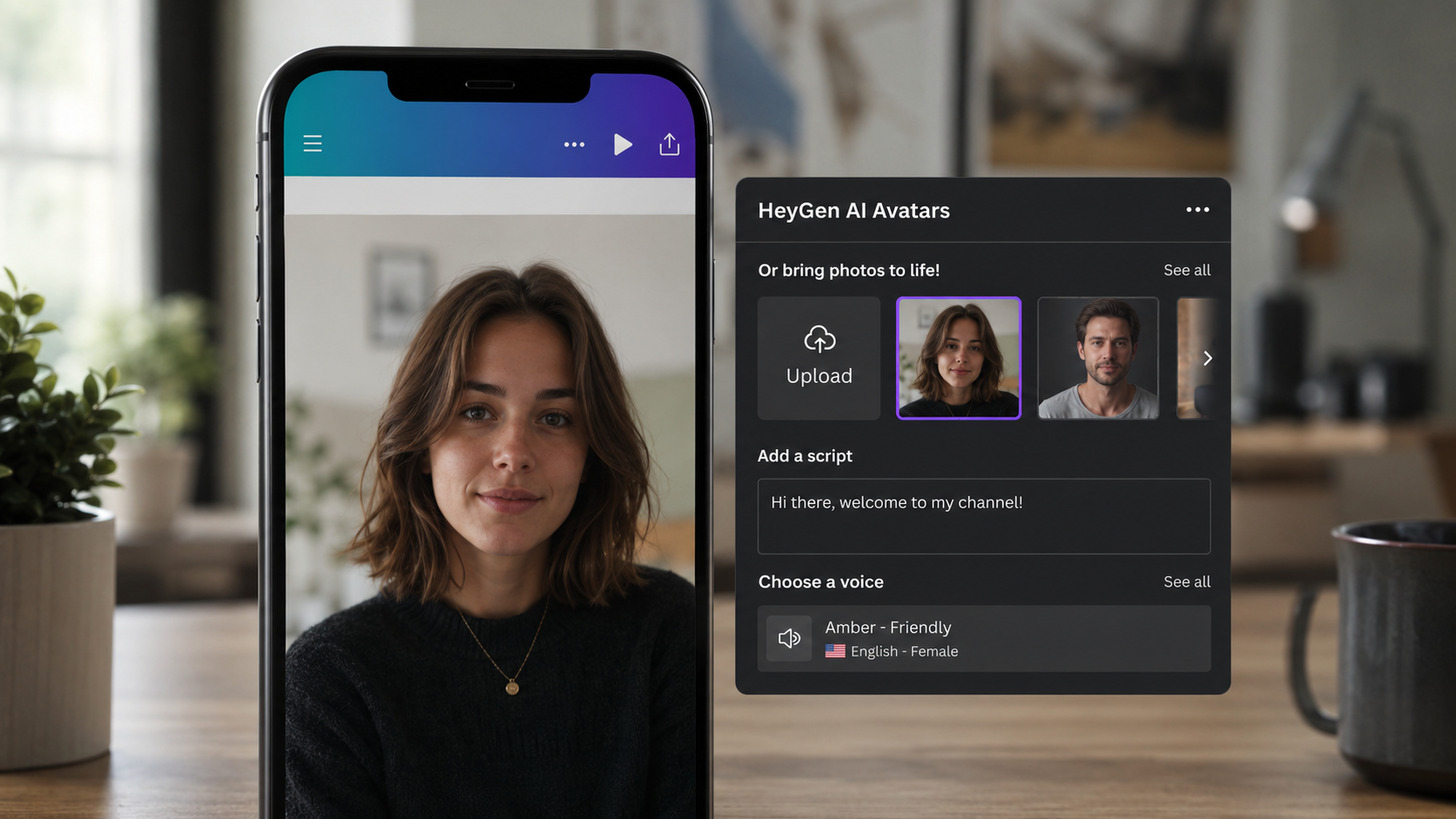
Its AI hub combines a designer, an image generator, text to speech with usable narration, and retouching, adapting one piece across formats. The appeal is having the visual chain in one place rather than any single feature being best in class, and there is a free tier to test that claim with.
Clientify: AI inside a CRM
A CRM and all-in-one platform with AI agents attached, which matters because it puts the generated content where the contacts already live. It builds landing pages, enriches contact records, drafts copy, generates images, and configures chatbots for WhatsApp, Messenger and Instagram that answer without supervision.
Carousels and image generators
Dedicated carousel tools are worth it if LinkedIn or Instagram carousels are a regular format, since building them by hand is slow and the free tiers are usually enough to find out. For images, Microsoft’s generator (now inside Copilot and Designer rather than branded as Bing) is free with a Microsoft account and produces work in most visual styles.
Opus Clip and FlexClip: video editing
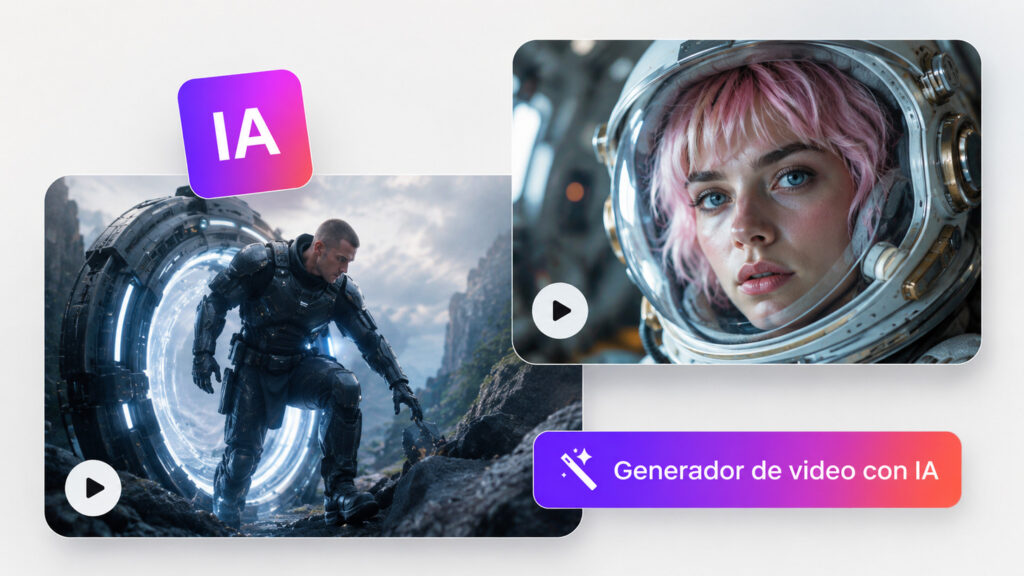
Opus Clip analyses long video, pulls the segments most likely to work as clips, and captions them, which is the whole job for Reels and Shorts. FlexClip works the other direction, building pieces from templates or from scratch with your own media and its own image generation in the same place.
These fill gaps rather than replacing anything. Their value is covering a specific format fast, and the cost of collecting too many of them is a stack nobody opens. The prior question is which format the platform actually rewards.
How to choose one for your team
The choice is less about budget than about how a tool fits the way the team already works. A tool that is better on paper and worse in your process is the wrong tool.
Test the interface with real work
Sign up on the default settings, the way any new user would, and do actual tasks rather than the demo:
- Draft a blog post from a real brief.
- Edit existing marketing copy, down to the phrase that asks for the click.
- Produce a visual asset you would genuinely use.
- Generate narration or a prototype.
Then check whether the interface stays out of the way and whether generation is fast enough to keep up with how you think. A tool that is thirty seconds slower per generation costs more than its subscription in abandoned attempts.
Check the integrations before the features
Look at how content gets out of the tool and into wherever it needs to go, and whether other people can comment on it in place. Isolated AI generates more friction than value, because every export and re-import is a chance for the wrong version to ship.
Price it at the size you will be, not the size you are
Do not evaluate the entry plan. Project the cost at the team size and feature set you expect in a year, including brand kits and analytics, which is where these tools put their real pricing. The jump between tiers is usually steeper than the entry price suggests.
Read current user reviews rather than the marketing pages, and check the date on them, because capability in this category changes faster than the reviews do. Then run the tool on one real project for at least a week. That is the only test that reveals whether it accelerates the work or becomes another thing to maintain.
Where this is heading
The direction of travel is integration rather than capability. These tools are moving inside the platforms teams already use, which removes the copy-paste steps that currently eat most of the time saving.
They are also getting better at context: holding a brand’s voice, prior decisions and audience across sessions instead of starting fresh each time. That is the change that will matter most, because re-explaining context is the single largest hidden cost of using them today.
What stays human is deciding what deserves to be said. A tool can produce a hundred variants of a point nobody needed, and the brands that get value from this will be the ones that got better at choosing, not the ones that produced more. The content decisions a tool cannot make are the ones that still carry the result.
Frequently asked questions
What are AI copywriting tools?
Software that generates or rewrites text, and in most cases images and video as well, from a brief or a prompt. For copy specifically, the useful ones draft, rewrite, adapt tone and produce variants you can test.
How can AI improve a content strategy?
By removing the drafting bottleneck, which is usually what limits how much a small team can publish. The strategic gain is indirect: the hours that went into producing content go into deciding what to produce.
What are the benefits for social media content?
Faster idea generation, variants adapted to each platform without rewriting from scratch, and the ability to maintain a bank of content so the calendar is filled in advance rather than in a hurry.
How do you choose the right tool?
Test it on real work with the default settings, check how content gets out of it and into your other systems, and price it at the team size you expect in a year rather than the one you have now.
Do you need technical knowledge to use them?
No. Most are built to be used without any technical background. What does help is knowing enough about marketing to recognize when the output is confidently wrong, which is the skill that actually matters here.